Leadsign Audi A3 Screen Upgrade Guide for 2026

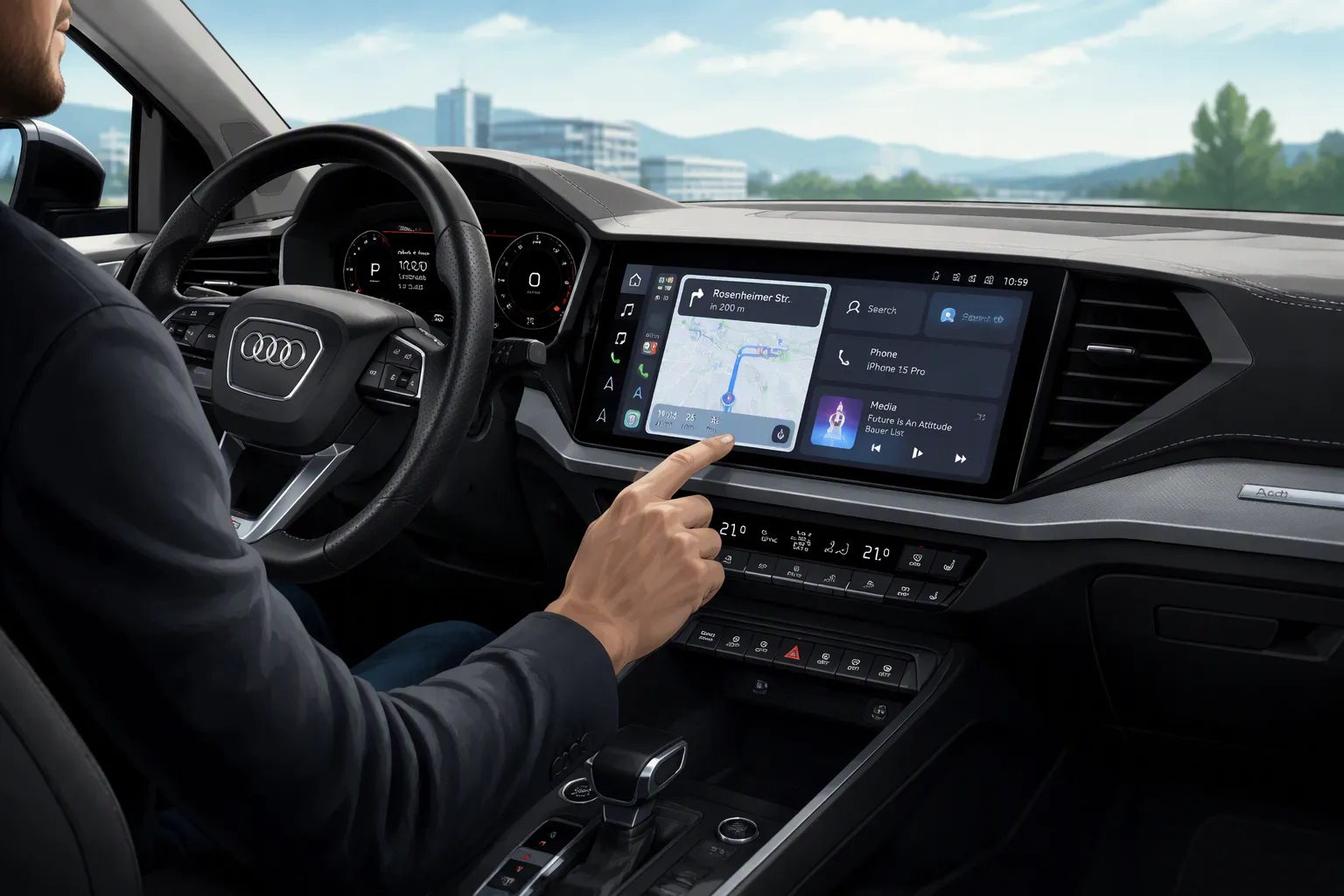
The Leadsign Audi A3 screen upgrade swaps your factory display for a 12.3-inch Linux-powered touchscreen. This upgrade fits A3 and S3 models from 2014 to 2019 that have MIB1 or MIB2 systems. You get wireless Apple CarPlay and Android Auto, plus a sharp 1920 x 720 resolution.
The new screen keeps your original Audi MMI functions working as before. You just press a button to switch between the factory MMI interface and the Linux system. This guide takes you through compatibility checks, kit contents, installation steps, troubleshooting tips, and UK pricing. You will find everything you need to decide if this audi upgrade suits your car and your budget.
Key Takeaways
Upgrade to a 12.3-inch HD screen for clearer maps and media.
Enjoy wireless Apple CarPlay and Android Auto for safer driving.
Check your Audi A3 or S3 (2014-2019) has MIB1 or MIB2 before buying.
Install the kit yourself in 1-2 hours with basic tools.
Keep all factory functions like radio and reversing camera.
Why an Audi A3 Screen Upgrade Makes Sense in 2026
Bigger 12.3″ Display and 1920 x 720 Clarity
Your factory Audi A3 screen is only 5 or 7 inches wide. That small display feels tight for maps, media, and menus. The Leadsign audi a3 screen upgrade swaps it for a 12.3-inch ultra-narrow Linux display. You get a much bigger space for every task. The 1920 x 720 resolution gives sharp text and clear graphics. You will spot the difference as soon as you start the car.
This upgrade keeps your original Audi functions working. The factory radio, amplifier, and reversing camera all still work. You press one button to switch between the original audi mmi system and the new Linux interface. That toggle gives you the best of both worlds. You keep the familiar audi mmi controls and gain a modern infotainment system. Daily drives get easier with a screen you can really read at a glance.
Wireless CarPlay, Android Auto, and Mirror Link
Wireless connectivity changes how you use your phone in the car. The system supports apple carplay and android auto without a cable. You can also connect with a wire if you prefer. Voice control handles calls, messages, music, and directions. Your hands stay on the wheel and your eyes stay on the road. This hands-free operation makes every journey safer and simpler.
Mirror Link extends your phone onto the large display. Wireless Airplay works for iPhones and Autolink works for Android devices. You can sync movies, maps, and pictures to the 12.3-inch screen. The system supports multiple sound modes, including Aux and Bluetooth. You pick the audio option that suits your preferences. The audi A3 screen upgrade brings modern connectivity to your audi without losing factory features.
Which Audi A3 Screen Upgrade Kit Fits Your Car

The Leadsign kit is vehicle-specific. It does not fit every Audi A3 on the road. You need the right match before you order. A quick compatibility check now prevents a costly mistake later.
Supported Models — A3 and S3 2014–2019 with MIB1 or MIB2
The 12.3-inch Linux screen fits the 8V generation. That covers A3 and S3 models built between 2014 and 2019. Your car must run an MIB1 or MIB2 infotainment system. These systems appeared across most of the 8V production run. The kit works with both the standard Audi A3 and the performance-focused S3. Trim level does not matter here. The MIB system does.
You can check your system type through the audi mmi menu. Press the Menu button and look for the software version screen. The version number tells you whether you have MIB1 or MIB2. MIB2 cars often show a slightly different menu layout. Both types work with this audi a3 screen upgrade. If your car has an older or newer system, the kit will not fit. The 8V generation ended in 2019, so later models use different hardware. The software version screen shows a code. Write this code down. It helps the seller confirm your system.
Some owners confuse the MIB system with the screen itself. They are separate parts. The MIB unit sits behind the dashboard and controls the infotainment. The screen is just the display. Your system version decides compatibility, not the screen you see today.
Checking Your Existing System Before Buying
Confirm two things before you order: your MMI type and your current screen size. The factory screen measures either 5 inches or 7 inches. Both sizes work with the Leadsign kit. The wiring differs slightly between them. The seller needs to know which one you have. Measure the screen diagonally from corner to corner. This gives the true size. A 5-inch screen looks noticeably smaller than a 7-inch one.
Swapping a 5-inch OEM screen for a larger unit may require coding. The car's audi mmi system must recognise the new display. Some installations work as a straight swap. Others need a diagnostic tool to enable the screen. Professional help is sensible for complex retrofits. An auto electrician or a specialist retrofit shop can handle coding quickly. This step protects your factory electronics. Coding takes only a few minutes with the right tool.
Here is a simple comparison to guide your check:
Check | Where to Look | What You Need |
|---|---|---|
MMI type | MMI menu, software version | MIB1 or MIB2 |
Screen size | Physical measurement | 5-inch or 7-inch |
Model year | VIN plate or logbook | 2014–2019 |
Model | Badge or logbook | A3 or S3 |
Take a photo of the version screen. Send it to the seller when you order. This avoids wrong-kit returns. It also speeds up support if you need help later.
The audi mmi toggle button is another point to confirm. Your car must support switching between the factory system and the Linux interface. Most MIB1 and MIB2 cars do. A quick check with the seller confirms this for your exact model. This toggle keeps your factory radio and amplifier working. You lose nothing from the original setup.
Do not guess your system type. A wrong kit wastes time and money. Five minutes of checking saves hours of frustration. Once you confirm your system type and screen size, you can order with confidence.
What Comes in the Leadsign Upgrade Kit
Screen Unit, Wiring Loom, and Mounting Hardware
The box contains everything you need for a complete install. The main item is the 12.3-inch Linux screen unit. This ultra-narrow display carries a 1920 x 720 resolution panel. The screen housing matches the audi dashboard shape. It sits flush once you clip it into place.
A plug-and-play wiring loom comes with the kit. This loom connects the new screen to your car's existing audi mmi system. You do not cut or splice factory wires. The connectors match the original plugs. Mounting brackets hold the screen secure behind the dashboard trim. These brackets line up with the factory fixing points. A set of fitting instructions walks you through each step. The guide covers removal, wiring, and final placement.
Optional Add-Ons and Accessories
You can add extra items when you order. An aftermarket reverse camera is a popular choice. The system supports both the original factory camera and a new aftermarket unit. This gives you flexibility for your parking needs. The screen also works with your existing audi mmi toggle button. You press it to switch between the factory interface and the Linux system.
The kit supports apple carplay and android auto through wireless or wired connections. You do not need extra hardware for this. Mirror Link and Airplay also work out of the box. Please note that aftermarket front cameras and 360-degree cameras are not supported. Check your order carefully if you want a front-facing view. The core kit covers the audi screen, loom, brackets, and instructions. Everything else is optional.
Installing Your Leadsign Screen Step by Step
Tools Needed and Time Estimate
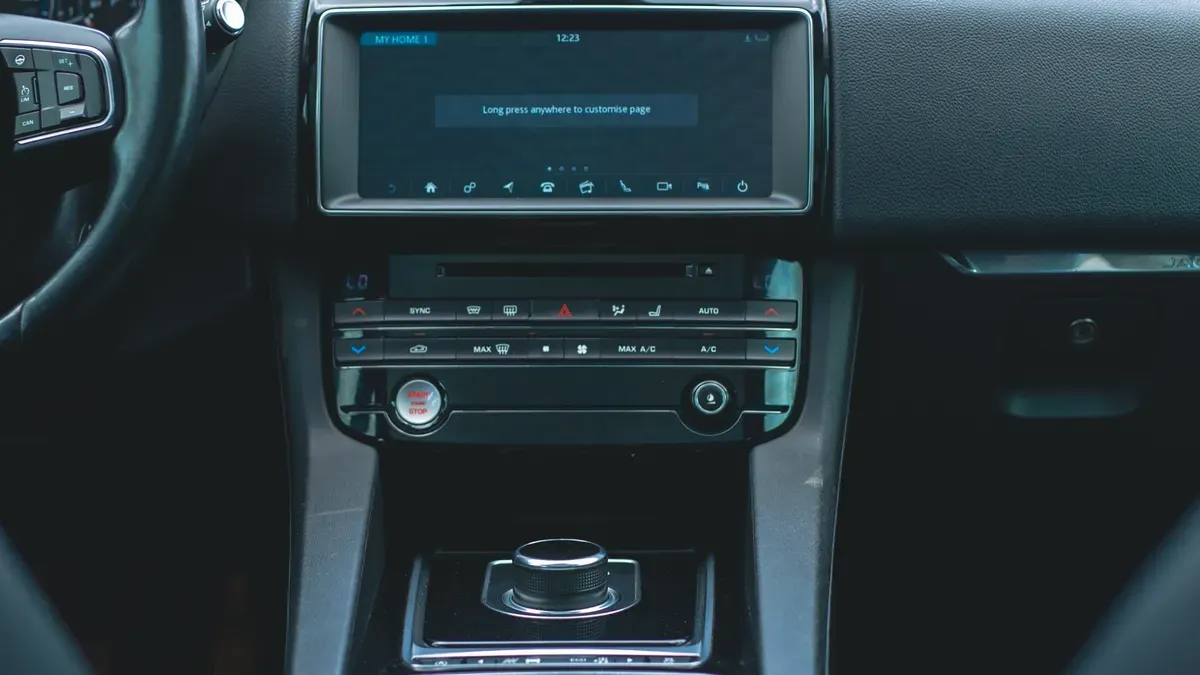
You need a few basic tools before you start. A set of plastic trim removal tools protects your dashboard from scratches. A Torx screwdriver set handles the factory fixings. You also need a socket set for the mounting bolts. Keep a torch handy for working behind the dashboard. A clean microfibre cloth helps you wipe surfaces as you go.
A confident DIYer can finish this audi a3 screen upgrade in about one to two hours. The job is straightforward for anyone who has removed dashboard trim before. First-time installers should allow extra time. Rushing leads to broken clips and scratched panels. Work slowly and check each connection twice.
DIY Fitting vs Professional Installation
The installation process follows a clear sequence. You can handle most of it yourself with patience and the right tools.
Remove the existing screen. Use your trim tools to pry the surrounding dashboard panel away. Work from the edges inward. The clips release with gentle pressure.
Unplug the wires behind the old screen. Press the release tabs on each connector. Pull the plugs straight out. Do not twist them.
Detach the clips and tie wraps from the radio unit. These hold the factory wiring in place. Cut the tie wraps if needed. Keep the clips for reuse.
Fit the new 12.3-inch screen. Connect the plug-and-play wiring loom to the audi mmi system. The connectors match the factory plugs. You do not cut or splice any wires.
Reconnect everything and test the system. Turn on the ignition. Check that the screen powers up. Press the audi mmi toggle button to switch between the factory interface and the Linux system.
Coding may be necessary after fitting. Some audi models recognise the new screen automatically. Others need a diagnostic tool to enable the display. If your car needs coding, an auto electrician can complete this step in minutes. A specialist retrofit shop also handles this work. Professional installation makes sense if you feel unsure about removing dashboard trim. It also suits cars that need coding. The labour cost adds to your total budget. However, a clean install protects your factory electronics. You avoid broken clips and wiring damage. For most owners, the DIY route works well. The kit includes fitting instructions that guide you through each step. Follow them carefully and take your time.
Troubleshooting Common Leadsign Issues
Blank Screen or No Power
You turn on the ignition. The new screen stays black. This is the most common issue after installation. Start with the wiring loom. Check each connector. Push each plug fully into its socket. A loose connection causes a blank display. Reseat every plug. Check the loom routing. A pinched wire causes an intermittent fault. Inspect the cables for damage.
Now check the toggle button. Press it to switch between MMI modes. The screen may sit in the original MMI mode. The new Linux system needs activation. Hold the toggle for a second. The screen should switch.
Check the loom connection to the audi mmi unit. A loose pin stops the screen from powering on. Check your car's fuses. The infotainment system fuse may have blown. Find the fuse for the audi mmi system. Replace it if needed.
CarPlay, Audio, and Steering Wheel Control Problems
Wireless apple carplay and android auto may fail to connect. Delete old phone pairings first. Your phone remembers previous Bluetooth connections. Remove all old profiles. Pair your phone again from scratch. This solves most issues. Check your phone's compatibility. Some phones need a settings change for wireless projection.
Audio problems come from the source setting. Check the sound mode. Select the correct Aux or Bluetooth option. Your factory radio works through the original audi mmi mode. Switch to Linux mode for new audio.
Steering wheel controls may stop working. Your audi uses a CAN bus for these signals. Try a system restart. Turn off the car. Wait a minute. Start again. The controls often return after a fresh boot.
Check for a software update. An older version may conflict with the new screen. Contact the seller for update files. Apply the update following their instructions. This resolves most persistent issues. If problems continue, contact support. Provide your car model and the steps you tried.
Cost, Where to Buy, and Value for Money
Typical UK Pricing and What Affects It
The Leadsign kit sits in the mid-range of audi screen upgrades. You pay more than a basic aftermarket display. You pay less than a factory retrofit from a main dealer. The exact figure depends on your choices. A bare kit costs the least. Bundles with extras push the price higher.
Several factors move the cost up or down. An aftermarket reverse camera adds to your total. Professional fitting adds labour charges. Coding for a 5-inch to larger screen swap adds a diagnostic fee. You can skip these extras and fit the kit yourself. That route saves money. It also gives you full control over the install. Shop around before you commit. Prices vary between sellers.
Trusted Retailers and Avoiding Counterfeits
Buy from an authorised seller. Authorised sellers offer genuine Leadsign units. They provide warranty support and fitting advice. They also supply the correct wiring loom for your audi model. A grey-market unit may look identical. It often lacks proper connectors. It may also miss the audi mmi toggle function.
Counterfeit screens flood online marketplaces. These units use cheaper panels. They fail sooner and offer poor resolution. Check the seller's reputation before you order. Look for a business address and a returns policy. Ask for the serial number. Verify it with Leadsign directly. A genuine kit protects your audi electronics. It also keeps your factory radio and amplifier working. Contact the seller for a software update if needed. A trusted retailer handles this request without fuss. Your audi deserves genuine parts. Buy once and buy right.
Weigh the leadsign audi a3 screen upgrade for 2026. You get a sharp 12.3‑inch HD display with 1920 by 720 resolution. Wireless apple carplay and android auto work without a cable. Your original audi functions all stay active. Press the audi mmi button to switch between the two systems. The screen keeps your factory radio, amplifier, and reversing camera. Check your audi model and mmi system type before you order. This audi mmi toggle gives you real flexibility. The upgrade makes your audi more modern while keeping the controls you know. Take the next step with confidence. Check compatibility and enjoy a smarter drive.
FAQ
Does the Leadsign screen work with my factory reversing camera?
Yes. The kit supports your original factory camera. You can also add an aftermarket reverse camera if you prefer. The system does not support aftermarket front cameras or 360-degree cameras. Check your order if you want a front-facing view.
Can I keep my original audi mmi functions after the upgrade?
You keep all factory functions. The radio, amplifier, and reversing camera still work. Press the audi mmi toggle button to switch between the original MMI system and the new Linux interface. This gives you full control over both systems.
How do I know if my car has MIB1 or MIB2?
Open the audi mmi menu on your current screen. Look for the software version screen. The version number tells you which system you have. Write this code down. Send it to the seller before you order. This confirms your kit fits.
Do I need coding after installation?
Some audi models recognise the new screen automatically. Others need a diagnostic tool to enable the display. A 5-inch to larger screen swap may require coding. An auto electrician or retrofit specialist can complete this step in minutes.
What should I do if my screen stays blank?
Check the wiring loom first. Push each connector fully into its socket. A loose plug causes a blank display. Press the audi mmi toggle button to switch modes. Check your fuses. Replace the infotainment fuse if it has blown.
See Also
Upgrade Your Car Display With Our CarPlay Screen Solution
Replace Your Car Stereo Touch Screen With Our Display Unit
Wireless CarPlay Retrofit Kit For Upgrading Your BMW Interface
Your Complete Guide To Aftermarket CarPlay Interfaces In 2026
Android Auto Retrofit Kit Designed For Your Factory Car Screen